The ongoing debate surrounding Medicare for All highlights the complexities of American healthcare financing and the evolving needs of an aging population.
As the Democratic Party renews its push to expand Medicare, lower the eligibility age, and move towards a Medicare for All system, the issue is poised to become a defining topic in the upcoming election cycle. While there is no denying that many Americans are grappling with rising premiums, deductibles, and the overall cost of medical care, a fundamental problem persists: the discussion surrounding healthcare financing often lacks a comprehensive understanding of healthcare itself and the economics that underpin it.
Born in 1965, the same year Medicare was established, I have witnessed firsthand how the economics of American healthcare have transformed over the decades. Medicare was created for a very different America. In 1965, the average life expectancy at birth was around 70 years. Today, it has risen to approximately 78 years, with individuals reaching age 65 now expected to live an additional 19.5 years on average. This shift has resulted in millions of Americans living into their 80s, 90s, and beyond.
Since its inception, Medicare has expanded significantly, growing from about 19 million beneficiaries in 1966 to over 69 million today. Annual spending has skyrocketed, now exceeding $1.2 trillion. As beneficiaries age, the costs associated with their care increase substantially; for instance, Medicare spending on an 85-year-old is approximately 2.5 times that of a 66-year-old, while spending on beneficiaries in their 90s can be nearly three times higher. This trend indicates that we are not only covering more individuals but also financing longer periods of increasingly complex medical care for a rapidly growing population.
The disease burden has also evolved dramatically. Currently, 40.3 percent of American adults are classified as obese, over 40.1 million Americans have diabetes, and an additional 115.2 million adults are prediabetic. The financial implications of these health issues are staggering. According to the Centers for Disease Control and Prevention (CDC), diabetes alone costs the United States approximately $640 billion annually in medical expenses and lost productivity, with 61 percent of these costs attributed to adults aged 65 and older, the demographic primarily covered by Medicare.
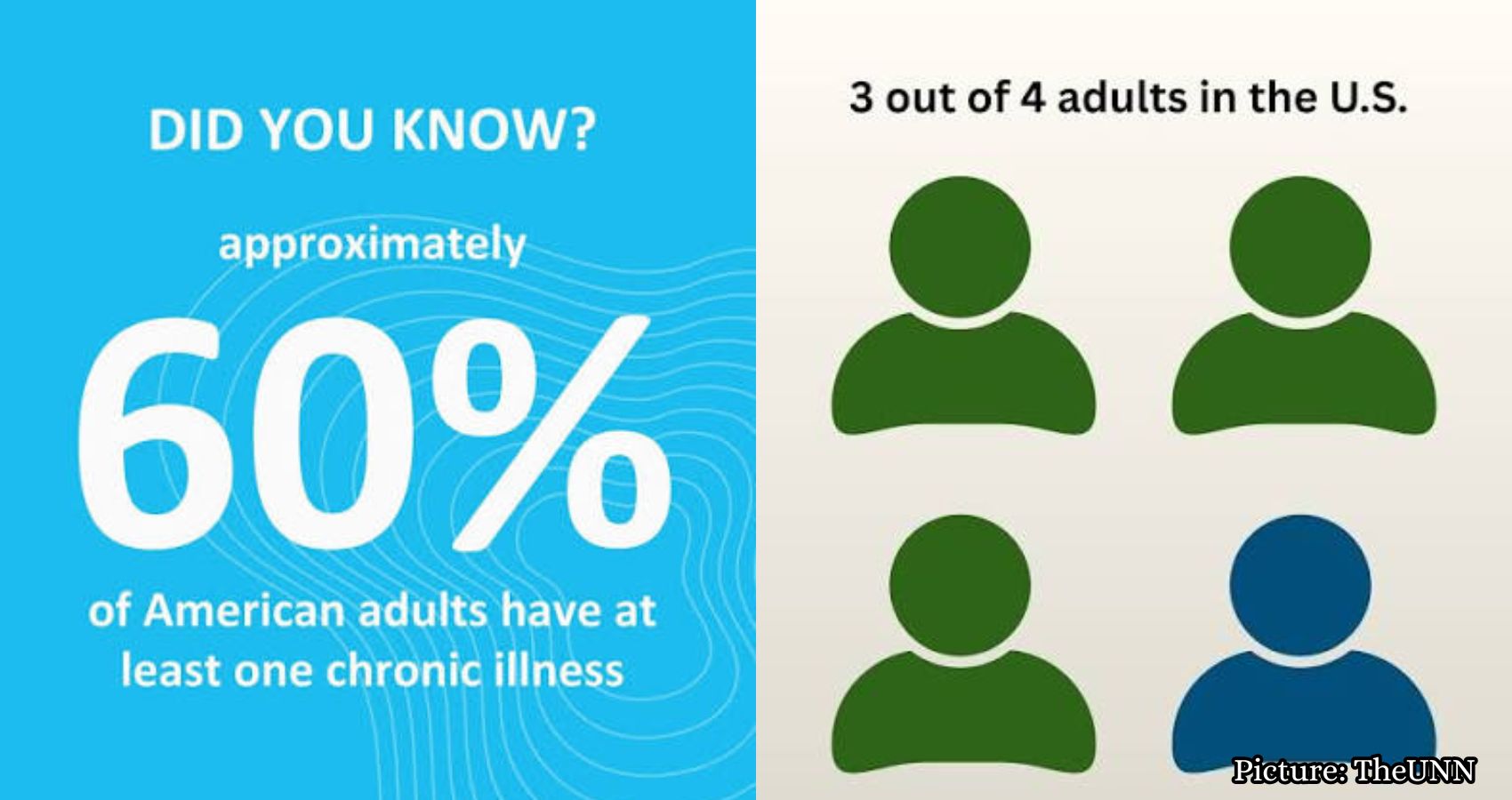
Obesity incurs nearly $173 billion in medical expenditures each year, while cardiovascular disease and stroke contribute over $400 billion annually in direct and indirect costs. More concerning is the fact that these conditions frequently coexist; three-quarters of American adults have at least one chronic condition, and more than half have two or more. This creates a population that requires extensive medications, monitoring, specialist care, procedures, and hospitalizations over many years.
This reality has significant implications for healthcare economics. The most expensive patients are often those with multiple interacting diseases, necessitating a complex array of medications, specialists, laboratory tests, imaging, procedures, hospitalizations, and long-term management. Simply providing insurance coverage does not reduce the underlying costs of care.
Take diabetes as an example. Sixty years ago, the treatment options for type 2 diabetes were rudimentary compared to today’s standards. Metformin, a common medication, did not receive FDA approval until 1995. Today, physicians have access to various classes of medications, including SGLT2 inhibitors and GLP-1 drugs, which can effectively manage glucose levels, weight, and cardiovascular risk.
The financial challenges become clearer when we juxtapose Medicare’s original promise with the program we are financing today. When Medicare launched in 1966, its first-year benefit payments totaled approximately $3 billion, covering around 19 million Americans. Fast forward to today, and Medicare serves 69.3 million beneficiaries, with expenditures reaching $1.21 trillion in 2025—over 400 times the initial amount, all while life expectancy and the duration of medical care post-age 65 have significantly increased.
Moreover, the costs associated with treating chronic diseases and the introduction of increasingly expensive therapies are generating new expenditures that were not present when Medicare was first designed. U.S. prescription drug spending alone hit $467 billion in 2024, and Medicare Part D spending on GLP-1 drugs surged fivefold between 2019 and 2024, reaching $27.5 billion in gross spending.
How much more taxpayers would need to finance remains a critical question. The Congressional Budget Office has estimated that illustrative Medicare-based single-payer systems could require an additional $1.5 trillion to $3 trillion in federal health subsidies by 2030, compared to current law. This financial burden would not simply vanish if the government became the sole payer; instead, it would transfer costs currently borne by employers, individuals, and states onto the federal balance sheet, necessitating a combination of higher taxes, increased borrowing, or cuts to other government spending.
Advancements in imaging technologies, robotic surgery, biologic therapies, gene therapies, artificial intelligence, implantable devices, and increasingly sophisticated interventions can enhance patient outcomes, but they also contribute to rising care costs.
Additionally, many Americans mistakenly believe that Medicare provides free healthcare upon reaching age 65. In reality, traditional Medicare includes premiums, deductibles, and coinsurance, lacking the annual out-of-pocket maximum found in many private insurance plans. Consequently, millions of Medicare beneficiaries opt for Medigap policies, enroll in Medicare Advantage, or seek other forms of supplemental coverage.
The financial implications of these additional costs are significant. In 2026, a Medicare beneficiary faces a standard Part B premium of $202.90 per month, amounting to $2,435 annually, before accounting for the $283 deductible and any coinsurance. For the approximately 43 percent of individuals in traditional Medicare who purchase Medigap, the average supplemental premium was another $2,604 in 2023. This means a typical beneficiary with traditional Medicare and Medigap could be paying over $5,000 annually in premiums, not including prescription drug coverage and other out-of-pocket expenses. For older Americans living primarily on fixed incomes, the financial burden of obtaining comprehensive coverage can be substantial. In fact, estimates suggest that Medicare Part B and Part D premiums and cost-sharing consume nearly one-quarter of the average monthly Social Security benefit.
If we lower the Medicare eligibility age or create universal Medicare coverage, we may expand the population covered by the program, but that does not necessarily equate to reduced costs for treating that population. It is crucial to recognize that the economics of medicine can often be counterintuitive. A $1,000 medication may seem costly until it prevents a $50,000 hospitalization. Conversely, a treatment that offers minimal measurable benefit may be extraordinarily expensive, regardless of who is responsible for payment.
This is where our political discourse often falls short. Republicans tend to emphasize market solutions, while Democrats focus on access, but neither approach alone addresses the fundamental issues at hand. Healthcare is a multifaceted system that encompasses clinical, technological, behavioral, and financial dimensions.
Ultimately, there is no such thing as free healthcare; it is simply healthcare funded by someone else. To address these challenges, we must invest in healthcare infrastructure, ensuring that a patient’s clinical, diagnostic, pharmaceutical, and financial information flows securely and seamlessly across the system. We have achieved this in banking and commerce, and there is no technical reason healthcare should remain fragmented.
Utilizing artificial intelligence can help identify variations and waste within the system by analyzing millions of transactions and clinical decisions to pinpoint unnecessary care, duplication, fraud, pricing anomalies, and differences in outcomes. Additionally, creating a health passport for every American would allow patient information to follow them, rather than being confined to individual institutions. Fragmented records lead to fragmented care and make accountability nearly impossible.
Finally, securing transactions through blockchain and distributed ledger technology could provide a reliable mechanism for verifying data entry, modifications, and transaction occurrences, particularly among organizations that may not inherently trust one another. Collaboration among all stakeholders, including employers, insurers, hospitals, and pharmaceutical companies, is essential for the free flow of data and the improvement of healthcare outcomes.
This article draws on insights from various sources to highlight the complexities of Medicare and the broader healthcare system.