
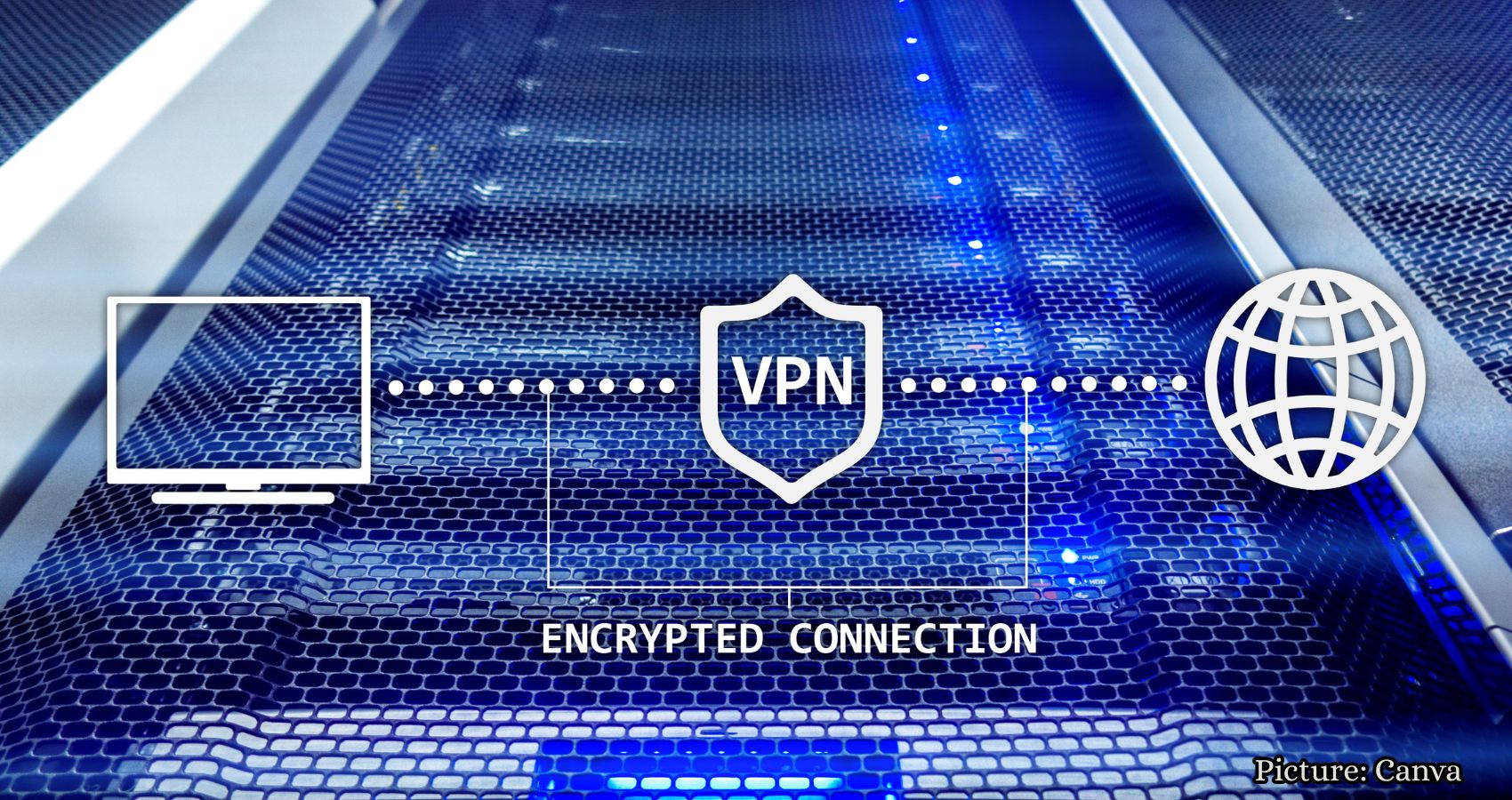
Using a VPN can trigger additional security checks on websites, but opting for a dedicated IP address may help reduce these interruptions while maintaining online privacy.
Have you ever noticed that websites frequently ask you to verify your identity when using a VPN? Whether you are checking your bank account, signing into your email, or shopping online, these repeated security checks can become quite frustrating. The reason behind this annoyance may lie with your VPN.
A VPN, or Virtual Private Network, alters the IP address that websites see, which can sometimes lead to extra verification requests. Fortunately, opting for a dedicated IP address may help minimize these interruptions while keeping your VPN protection intact. Here’s what you need to know.
First, it’s important to clarify that a VPN generally does not interfere with how your passkeys or two-factor authentication codes function. Time-based authenticator codes are generated on your device and can work without an internet connection. Passkeys utilize cryptographic keys to verify your identity during a sign-in, while push notification approvals require a network connection. A VPN typically works alongside all of these methods. However, it does change the public IP address that websites recognize.
When you connect through a VPN server, websites and applications see that server’s IP address instead of your usual public IP address. This is the primary purpose of a VPN, but it can also raise flags for banks, email providers, and financial applications. These services use your IP address as one of many indicators to assess whether a login appears legitimate. If you consistently log into your bank from the same location and suddenly access your account from a different city or country, the system may flag it as suspicious. This happens not because your VPN is malfunctioning, but because, from the app’s perspective, a new user has just entered the scene.
One common trigger for additional security checks is a VPN connection that utilizes shared IP addresses. When you reconnect or switch servers, your public IP address may change. Some VPNs can maintain the same address across multiple sessions, but for a bank or workplace login portal that recognizes your usual login patterns, an unfamiliar IP address or location can raise a red flag.
The second trigger involves the shared nature of IP addresses themselves. When numerous users connect through the same VPN server, they all appear to be coming from the same address. Websites and security systems often recognize these addresses as VPN traffic and treat logins from them with heightened suspicion. This can result in more CAPTCHAs, additional verification steps, and even temporary lockouts. It’s important to note that neither of these issues is a flaw in your VPN; it is functioning as intended. However, if you frequently log into sensitive accounts, these extra security checks can quickly become irritating.
A potential solution to this problem is to use a dedicated IP address. With a dedicated IP, you receive a fixed address reserved solely for your use, rather than sharing it with other VPN customers. Each time you connect to that dedicated VPN location, websites will see the same public IP address. This consistency may help reduce unnecessary CAPTCHAs and security checks, particularly on services that consider your typical login location.
However, it is essential to understand that a dedicated IP does not guarantee that a bank or website will recognize your connection as trusted. Security systems also evaluate your device, account activity, and other risk signals. Some VPN providers offer dedicated IP addresses as part of their subscription plans or as a paid add-on. These services allow you to maintain a consistent IP address while keeping your internet traffic encrypted through the VPN. Nevertheless, privacy protections can vary by provider, so it’s advisable to check how your dedicated IP is assigned and whether it can be linked to your account.
There is also an important trade-off to consider. Since only you use your dedicated IP, websites may find it easier to associate repeated visits with that address. Shared VPN addresses can provide greater privacy against IP-based tracking by mixing your traffic with that of other users. For individuals who frequently encounter login interruptions, a dedicated IP may offer a more consistent browsing experience without sacrificing VPN encryption.
If you continue to experience extra verification requests, there are several strategies you might consider. Some VPN server IP addresses trigger more security checks than others, so trying to connect to a server closer to your actual location may help reduce verification requests, although websites can still identify VPN traffic.
Additionally, some VPN services offer split tunneling, allowing you to choose which applications use the VPN connection. For instance, you might permit your banking app to connect directly to the internet while keeping other apps protected by the VPN. Just remember that applications bypassing the VPN will expose your regular public IP address. Feature availability varies by provider and device, so only bypass the VPN for sensitive apps when using a trusted network.
If your six-digit authentication codes are not working, check your device’s clock, as time-based codes depend on accurate time settings. Ensure your phone’s date and time are set to automatic. If codes still fail, confirm that you are selecting the correct account in your authenticator app.
Some websites offer a “Don’t ask again on this device” option after you verify your identity. Selecting this option can reduce repeated security checks on your personal computer or phone. Make sure your browser allows cookies for those websites, as private browsing or automatically clearing cookies can cause them to forget your device. However, avoid using this option on shared or public computers.
While a VPN can trigger extra security checks, not every authentication request is legitimate. If your phone prompts you to approve a login you did not initiate, deny it immediately. Someone may be attempting to access your account. Always check your recent account activity for unfamiliar sign-in attempts. If you notice anything suspicious, change your password and review your account’s security settings.
In summary, while a VPN generally works alongside passkeys and two-factor authentication without interfering with their underlying security, changing IP addresses and shared VPN connections can prompt websites to request additional verification. A dedicated IP may help reduce these interruptions by providing a more consistent connection for websites to recognize. Although it won’t eliminate every security check, it can make frequent logins more convenient. The most crucial aspect is to keep your authentication protections enabled, even when an extra verification step feels inconvenient.
For further insights on VPNs and online security, visit CyberGuy.com.