
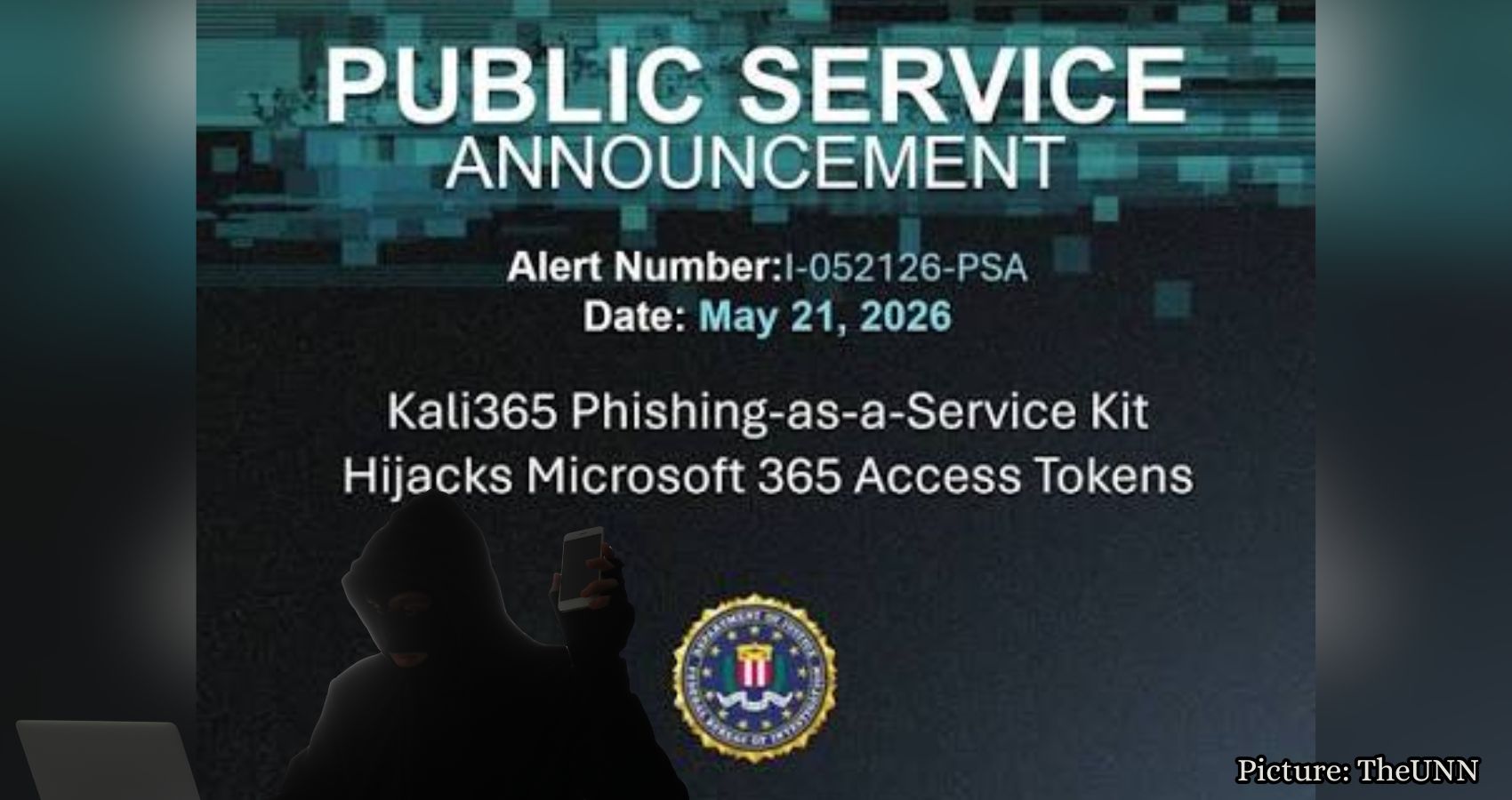
The FBI has issued a warning about Kali365, a phishing scam that targets Microsoft 365 accounts and can bypass multifactor authentication through deceptive device code tricks.
The FBI is alerting users about a new phishing scam known as Kali365, which specifically targets Microsoft 365 accounts, including popular services like Outlook, Teams, and OneDrive. This emerging threat is particularly concerning because it can compromise accounts without the need to steal passwords, even when multifactor authentication (MFA) is enabled.
Kali365 operates as a phishing-as-a-service platform, allowing cybercriminals to subscribe and utilize pre-made tools to launch attacks against Microsoft 365 accounts. First identified in April 2026, the platform has primarily spread through the messaging app Telegram. It provides attackers with access to AI-generated phishing messages, automated campaign templates, tracking dashboards, and tools designed to capture OAuth tokens, which are crucial for the scam’s effectiveness.
OAuth tokens serve as digital access keys, enabling applications to remain connected to a Microsoft account without requiring the user to input their password repeatedly. While these tokens are beneficial when used correctly, they become a liability when they fall into the hands of scammers.
Unlike traditional phishing scams that focus on stealing passwords, Kali365 exploits Microsoft’s device code login process. This method is similar to signing into a streaming service on a smart TV, where a user is prompted to enter a short code displayed on one device into another for verification. The scam begins when an attacker initiates a sign-in attempt from their device and tricks the victim into approving it.
Victims may receive a phishing email that appears to come from a trusted cloud service or document-sharing tool. This email includes a device code and instructs the recipient to visit a legitimate Microsoft verification page. The authenticity of the page can be misleading, as it may resemble a genuine Microsoft site, leading users to unknowingly authorize the attacker’s device. Once this code is entered, the attacker can capture access and refresh tokens, granting them entry to Microsoft 365 services without needing the victim’s password or any additional MFA prompts.
This type of scam poses a significant risk to anyone with Microsoft 365 access, but small businesses should be particularly vigilant. A compromised account can provide criminals with access to sensitive information, including email threads, invoices, shared files, employee chats, vendor contacts, customer details, and calendar invites. An attacker who gains access to Outlook can impersonate the victim, sending messages that appear legitimate and potentially leading to financial fraud or data breaches.
The FBI outlines the sequence of the scam: a victim receives a phishing email that pretends to be from a trusted service, provides a device code, and instructs the victim to enter it on a legitimate Microsoft verification page. After entering the code, the victim unknowingly approves the attacker’s device, allowing the attacker to capture OAuth tokens and access Microsoft 365 services.
One of the primary warning signs to watch for is an unexpected request to enter a Microsoft device code. Users should be cautious if they receive emails asking them to enter a code for a file, voicemail, invoice, or shared document that they did not request. Additionally, messages that create a sense of urgency, such as claims that a document will expire or that an account needs verification, should also raise suspicion.
To protect against this type of attack, Microsoft advises users to adhere to the FBI’s recommendations and follow best practices for account security. Users should only enter a Microsoft device code when they have initiated the sign-in process themselves. If a code arrives via email, Teams message, or an unexpected document link, they should refrain from entering it.
It is also recommended to avoid clicking on links in unsolicited messages. Instead, users should navigate directly to Microsoft or their organization’s Microsoft 365 portal through their browser. Regularly reviewing recent sign-ins, connected devices, and active sessions can help users identify any suspicious activity. If a user suspects they have entered a code in error, they should sign out of all sessions, revoke access for any suspicious applications, change their password, and contact their IT team.
Despite the risks posed by this scam, users should not disable multifactor authentication, as it still provides a vital layer of security against many account attacks. This incident highlights the importance of being cautious with approval prompts and device codes, even when MFA is in place.
Employing strong antivirus software can also help detect phishing pages, malicious links, and suspicious downloads before they cause harm. Furthermore, individuals can benefit from data removal services to minimize the amount of personal information available on people-search sites and data broker databases.
Employees may be aware of the dangers of entering passwords on unfamiliar pages, but many have not been warned about the risks associated with device codes. Organizations should incorporate this specific scam into their security training programs to raise awareness among employees.
The FBI suggests that restricting device code flow can help prevent or mitigate this type of attack. IT teams should consider creating a conditional access policy to block device code flow for all users, with exceptions made only for essential business processes. Before implementing such restrictions, it is advisable to audit current usage to identify legitimate business needs, ensuring that necessary access is not disrupted.
If an organization cannot fully restrict device code flow, the FBI recommends excluding emergency access accounts to prevent lockouts, a step that should be handled carefully by IT or security teams.
If you believe you have been targeted or compromised, it is crucial to report the incident to the FBI’s Internet Crime Complaint Center at IC3.gov. Include details such as phishing emails, email headers, suspicious login times, IP addresses, locations, unauthorized devices, and active sessions.
This scam is particularly dangerous because it leverages a legitimate Microsoft sign-in page to execute its criminal activities. Users must exercise caution and take the time to verify any unexpected requests for device codes. If a code arrives through an unsolicited email, text, or Teams message, it is essential to pause and navigate directly to the account instead of approving any sign-in that was not initiated by the user.
By adopting a few extra seconds of caution, individuals can significantly reduce the risk of falling victim to this sophisticated scam, keeping their Outlook, Teams, OneDrive, and associated accounts secure. For more information on cybersecurity and to stay updated on the latest threats, visit CyberGuy.com.