
Email scams pose a significant threat to seniors, often jeopardizing their financial security with just one click. Here are strategies families can implement to safeguard their loved ones.
Email scams have emerged as one of the most effective methods for fraudsters to steal money from older adults. A single click can compromise bank accounts, personal information, and retirement savings accumulated over a lifetime. This growing concern was highlighted by a reader named Bob, who reached out with a pressing question: “My friend’s father is 95 and absolutely lives through his phone and laptop. He refuses to give them up and often clicks on email links. A few years ago, he fell victim to a gift card scam that nearly cost him his life savings. It’s not just about taking away the car keys anymore; it’s about managing email and online banking access! What do you recommend his daughter do to protect his online presence?”
Bob’s observation is spot on. For many seniors, email and online banking have become the most significant access points for potential scams. The objective is not to take away devices but to implement protective measures that prevent a single bad click from resulting in a financial catastrophe. Here are some practical strategies families can adopt.
First, limit the potential damage from a single click. If possible, remove online banking access from devices primarily used for email. If that isn’t feasible, consider opening a secondary checking account with only enough funds for everyday expenses and linking it to a debit card for routine purchases. Keeping primary savings accounts offline or setting them to view-only access can also provide an additional layer of security. If available, require in-branch or phone verification for transfers above a certain amount. This way, even if login credentials are compromised, the most significant accounts remain protected.
Email is the primary entry point for scams targeting seniors, making strong filtering essential. Opt for an email provider with advanced spam protection, such as Gmail or Outlook.com. Within the email settings, enable warnings for emails that use familiar display names but originate from unfamiliar addresses. This feature helps thwart impersonation scams that may appear to be from family members, banks, or service providers. These precautions can slow down scammers and reduce the likelihood of impulsive clicks.
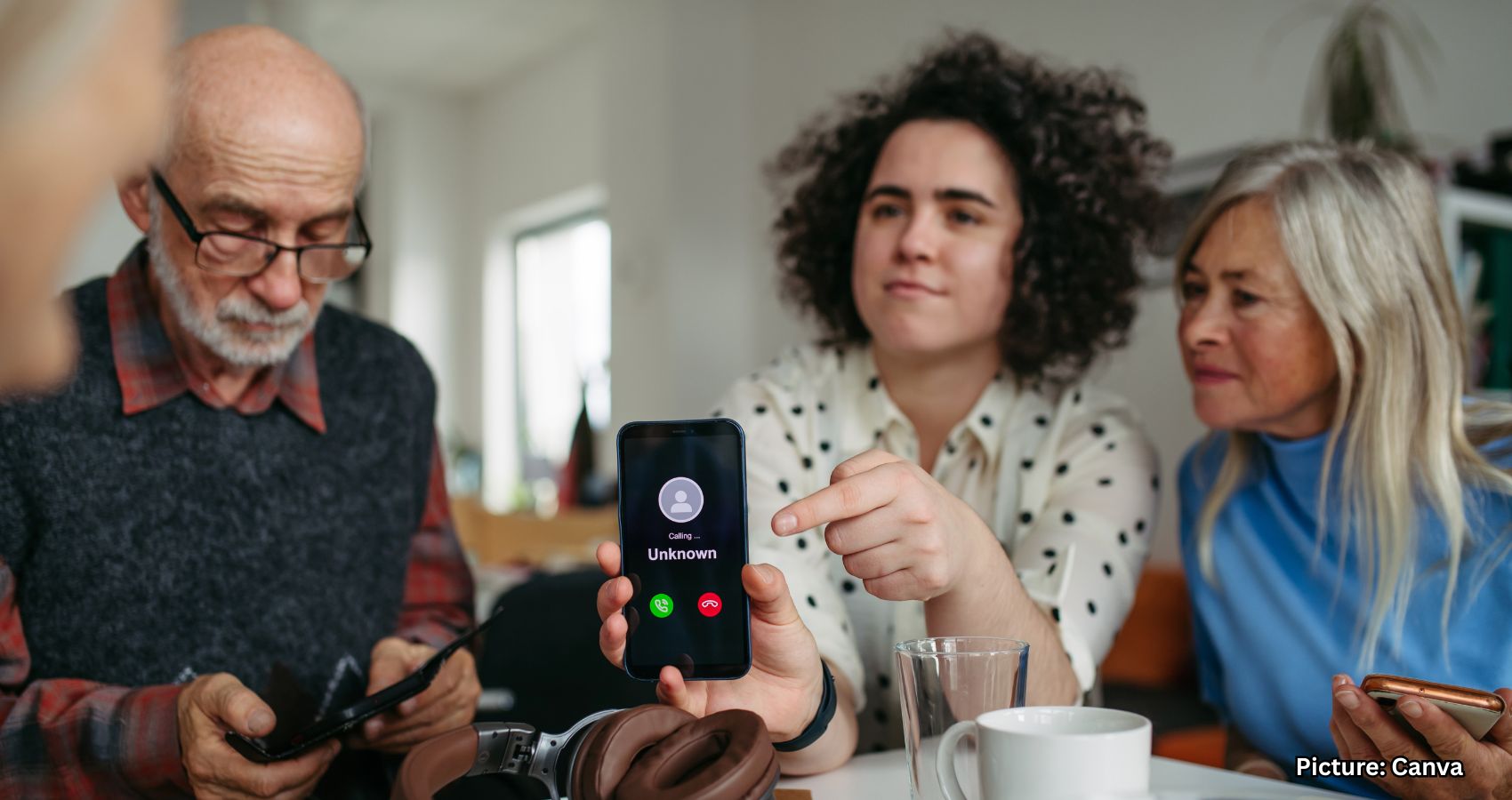
While email scams are prevalent, voicemail and callback scams are also on the rise among seniors, often as follow-ups to phishing emails. If possible, silence unknown callers and disable voicemail-to-email transcription for unfamiliar numbers, as many scams now begin with urgent callback messages instead of links.
Next, establish safety nets that can alert family members when something seems amiss. Enable banking alerts for significant withdrawals, new payees, password changes, unusual logins, and new device sign-ins. Adding a trusted contact, such as his daughter, wherever the bank allows can also enhance security. If available, enable delays or approval requirements for first-time transfers to new payees. This creates a cooling-off period that can prevent scam-driven transactions. For email accounts, set up a recovery contact so that his daughter is notified immediately if someone attempts to access or reset the account.
Implementing two-factor authentication (2FA) on email and banking accounts is crucial, but it should be paired with device and transfer alerts, as many scams can succeed even with 2FA enabled. Additionally, devices should be configured to fail safely. Regularly update operating systems and browsers, and ensure that laptops use standard user accounts instead of administrator accounts. This setup prevents unauthorized software installations. Installing real-time protection that blocks scam sites before they load is also essential. Strong antivirus software can help block malicious links and fake login pages automatically.
To further protect against malicious links that could install malware and compromise private information, using a robust antivirus solution is advisable. This protection can alert users to phishing emails and ransomware scams, safeguarding personal information and digital assets.
Password reuse significantly heightens the risk of scams. Fraudulent pop-ups and lookalike websites are designed to trick individuals into entering their usernames and passwords. A password manager can mitigate this risk by securely storing credentials and autofilling them only on legitimate websites. If a page is fake or malicious, the password manager will not fill in any information, often preventing account takeovers before they occur. Additionally, password managers alleviate the frustration of remembering or reusing passwords across various accounts.
Many phishing scams no longer rely on obvious fake emails; instead, they utilize realistic login pages. Autofill protection is one of the most effective ways to thwart these attacks without altering daily habits. It’s also wise to check if an email address has been exposed in past data breaches. A reliable password manager often includes a built-in breach scanner that checks whether an email address or passwords have appeared in known leaks. If a match is found, it’s crucial to change any reused passwords and secure those accounts with new, unique credentials.
If scammers already possess personal information, prevention alone may not suffice. Freezing credit with Experian, TransUnion, and Equifax can prevent new accounts from being opened in a senior’s name. Additionally, placing freezes with ChexSystems and the National Consumer Telecom and Utilities Exchange can stop criminals from opening bank accounts, phone lines, or utility services. Requesting an IRS Identity Protection PIN can also help prevent tax-related identity theft.
Ongoing identity monitoring can alert individuals to suspicious activity quickly. Identity theft companies can monitor personal information, such as Social Security numbers, phone numbers, and email addresses, and notify users if their information is being sold on the dark web or used to open accounts. They can also assist in freezing bank and credit card accounts to prevent further unauthorized use.
While technology plays a vital role in safeguarding seniors, setting clear expectations is equally important. Have a calm conversation to establish simple rules, and post these rules near the computer or phone. Visual reminders can help reduce panic-driven decisions. Additionally, designate one primary trusted contact to avoid confusion during urgent situations involving money or account access.
Scammers often target seniors by extracting personal details from public data broker websites, which publish information such as phone numbers, addresses, and age. Utilizing a data removal service can help seniors opt out of these databases, reducing the amount of personal information available online. Fewer exposed details can lead to fewer scam calls, phishing emails, and impersonation attempts. While this step may not eliminate all scams, it can significantly decrease the frequency of targeting.
Many tools designed for child safety can also be beneficial for seniors when used thoughtfully. When configured correctly, these tools can provide protection without disrupting daily routines. For instance, Apple’s built-in Screen Time tools can offer strong protection without the need for additional apps. Similarly, Android offers built-in protections and optional supervised controls through Google Family Link.
Ultimately, protecting seniors online is not about exerting control; it’s about prevention. Email scams are designed to exploit trust and urgency, particularly among individuals who did not grow up with digital threats. Implementing smart guardrails can help maintain independence while preventing irreversible mistakes. As email and banking become the new car keys, families must ensure that modern safety features accompany them.
If your parent clicked on a scam email right now, would you know before the money was gone? For more information and resources, visit Cyberguy.com.