
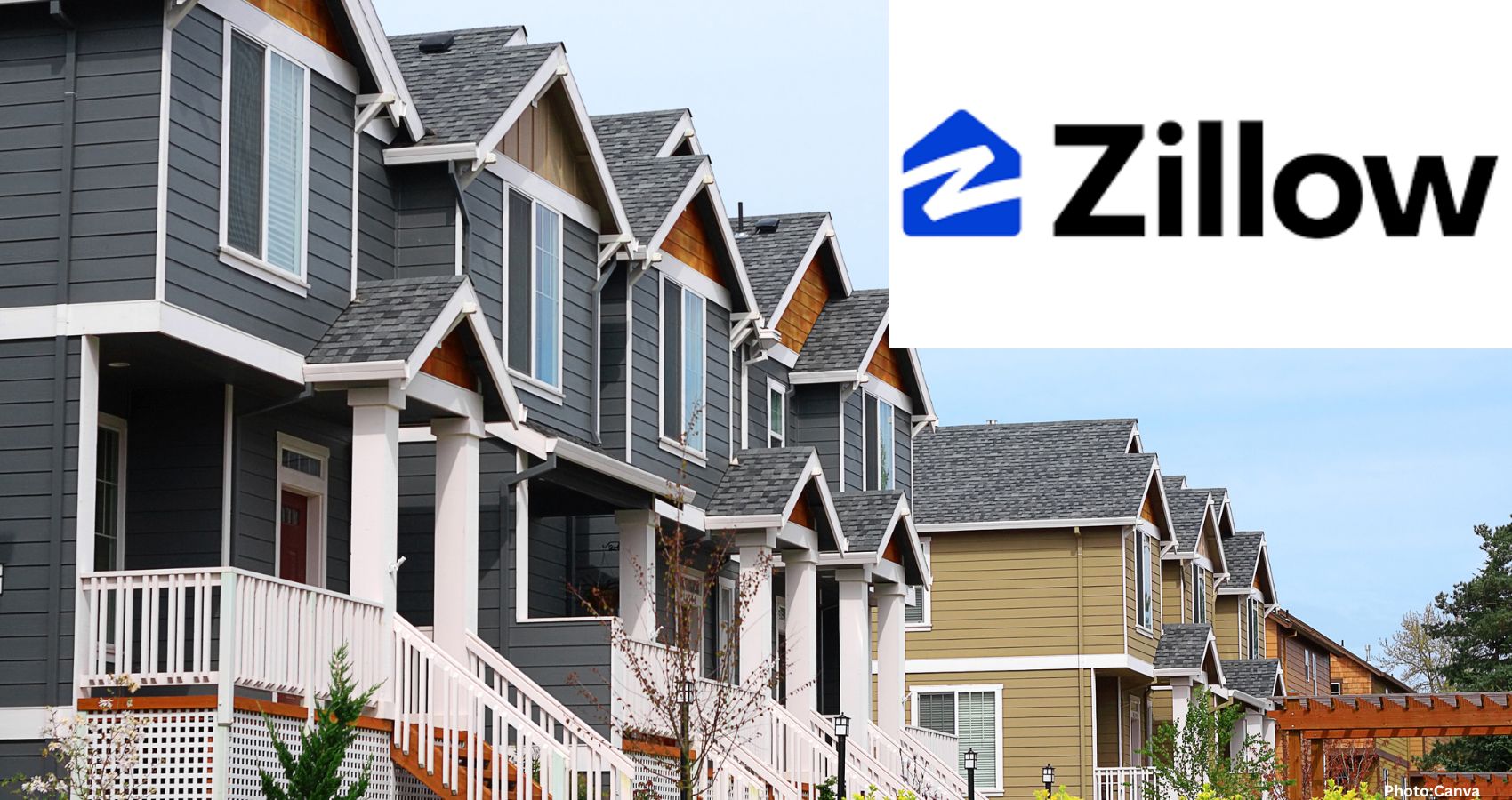
Criminals are increasingly using real estate listing sites like Zillow to plan break-ins, prompting experts to advise homeowners on how to remove their property photos online.
Your home photos on Zillow could unwittingly assist criminals in planning break-ins. This alarming trend highlights the need for homeowners to understand how burglars utilize real estate listing sites and the steps they can take to protect their privacy.
The case of Nancy Guthrie, a suspected kidnapping victim, has drawn national attention. In a moment of curiosity, I tested how quickly I could find her home address and phone number using a people search site. It took me about 30 seconds. I then entered her address into Zillow and discovered photos of her home. I could see the layout, entry points, windows, and even the arrangement of her furniture. If I were a criminal, this information could be invaluable.
It’s important to note that I am not a hacker; I simply used free websites accessible to anyone from the comfort of their home. This ease of access raises serious concerns about privacy and security.
In Scottsdale, Arizona, two teenagers disguised as delivery drivers forced their way into a couple’s home, duct-taping and assaulting them while searching for $66 million in cryptocurrency. They obtained the victims’ home address from strangers on an encrypted app. Similarly, in Delray Beach, Florida, a retired couple had their sliding glass door shattered by thieves who had acquired their address through leaked personal data. This group went on to target victims across multiple states.
Riverside, California, police have confirmed that detectives frequently find Zillow and Redfin searches on the phones of arrested burglary suspects. A former NYPD detective emphasized that today’s burglars can gather information about a home from the comfort of their couch, armed with nothing more than a cup of coffee, and obtain better intel than they could ever achieve by sitting outside with binoculars.
Zillow’s extensive database includes over 160 million homes, and listing photos often remain online long after a property has been sold. This means that images of your home, taken when it was listed three, five, or even ten years ago, could still be publicly accessible, revealing details about every room, door, window, and even the placement of security cameras.
Additionally, Google Street View covers 10 million miles of road worldwide, allowing criminals to check parked vehicles, scope out backyards, and plan escape routes. In some areas, police have reported that thieves are even using drones to peer into windows and assess whether dogs are present.
With just a few clicks, anyone can enter your name into a free people search site and obtain your home address in seconds. They can then input that address into Zillow to view your floor plan, entry points, types of windows, and the locations of security cameras.
If you are not currently selling your home, it is advisable to remove your photos from these platforms immediately. The process may vary slightly depending on your device, app version, or browser, but the option to remove your information is available.
To remove your home photos from Zillow, sign in at zillow.com, click on your profile icon, and select “Your Home.” Search for your address, claim it, and then navigate to “Edit Facts” to hide or delete the photos. Don’t forget to hit “Save” afterward.
For Redfin, sign in at redfin.com, go to the Owner Dashboard, select your home, and choose “Edit Photos” to hide the listing photos. Be sure to save your changes.
On Realtor.com, visit realtor.com/myhome, claim your home, and select it under “My Home.” From there, choose “Remove Photos” and confirm by selecting “Yes, Remove All Photos.”
To blur your home on Google Street View, open Google Maps on a computer, search for your address, enter Street View, and click “Report a problem” at the bottom right. Position the red box over your home, select “My home” under “Request blurring,” and submit your request. Keep in mind that once your home is blurred, the change is permanent.
A helpful tip is to ask your former listing agent to pull photos from the Multiple Listing Service (MLS). Once they are removed from the MLS, the feeder sites typically follow suit.
While you’re at it, consider searching for your name on people search sites like Spokeo, WhitePages, and BeenVerified. Most of these sites allow you to opt out, which can take some time but is an effective way to cut off the initial step criminals use to locate you. A more efficient option is to sign up for services like Incogni, which can help streamline this process.
If you are not selling your home, there is no reason for the internet to host a virtual tour of your property. Take action today to protect your privacy.
In essence, Zillow provides an open house for everyone, but unfortunately, homeowners never sent out the invitations.
Know someone who purchased a home in recent years? Share this information with them. Their listing photos are likely still online, and they may be unaware of the potential risks. For more insights, you can sign up for my five-star rated newsletter at my website, Komando.com.
Copyright 2026, WestStar Multimedia Entertainment. All rights reserved.