
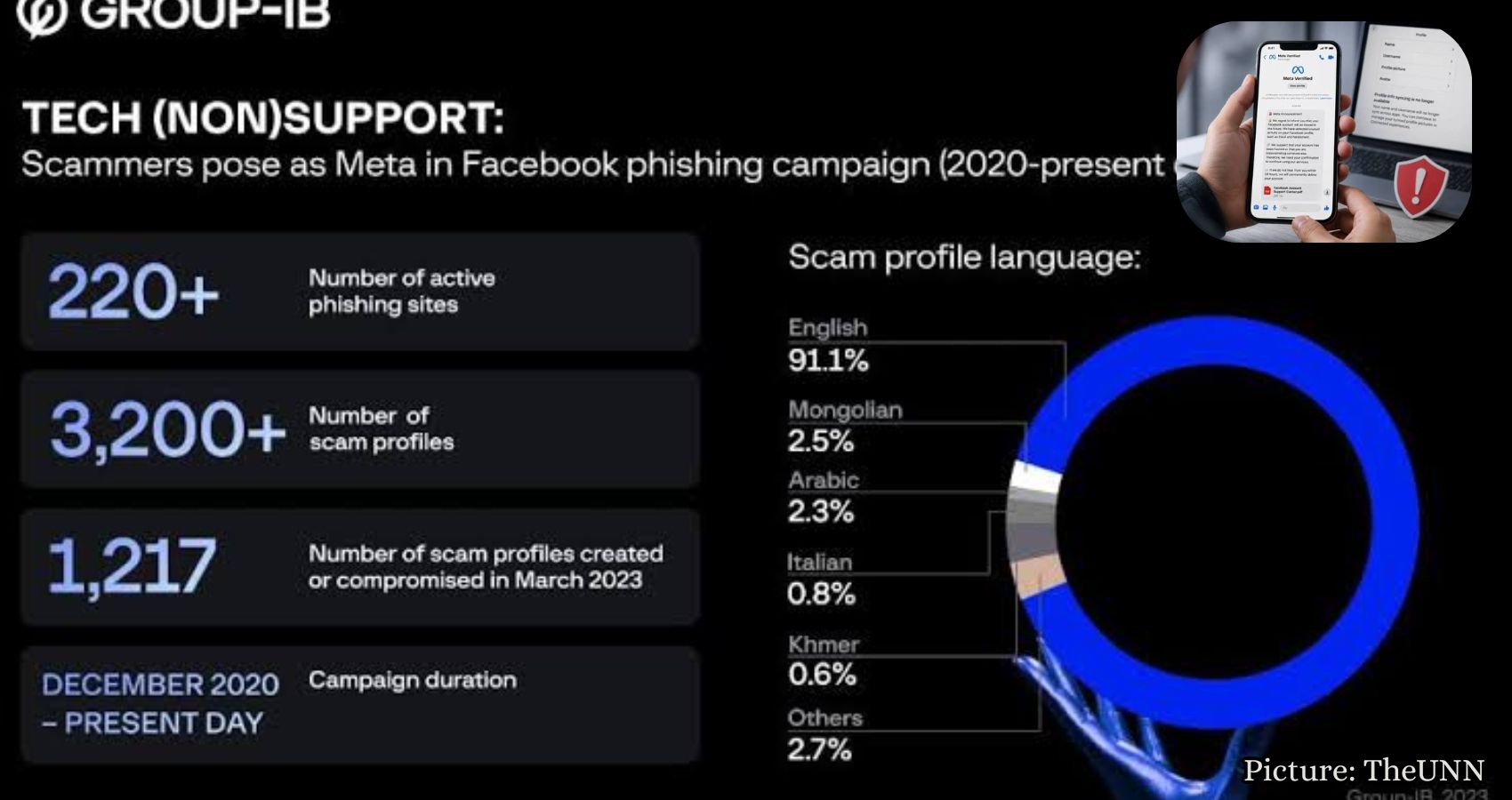
A recent phishing scam impersonating Meta threatens Facebook users with account deletion, using alarming tactics to trick victims into revealing personal information.
A fake “Meta Verified” message circulating on Messenger is causing alarm among Facebook users by threatening account deletion within 24 hours. This phishing scam employs several red flags that can help users identify its fraudulent nature.
The message appears to originate from Meta, complete with the company’s logo, and claims that the recipient’s Facebook account will be closed due to alleged unusual activity. Angela, a concerned user, reached out to CyberGuy after receiving the warning, stating, “Forwarding a screenshot of a threat I got on Facebook… It looks suspicious! I tried following the prompts and think it’s a scam. Just reporting to you because you’re the cyber guy!”
Angela’s instincts were correct. The screenshot she provided contained numerous indicators of a phishing attempt, including a misspelled account name and a suspicious PDF attachment. Understanding the tactics behind this scam is crucial for users to protect their personal information.
The message claims to be a “Meta Announcement,” stating that the user’s Facebook account “will be closed in the future” due to accusations of fraud and harassment. This language is designed to incite panic, as many users rely on Facebook for personal and business purposes. The threat of losing access to cherished memories, business pages, and community groups can be overwhelming.
However, the message lacks specific details, such as a case number or a reference to a particular post. Instead, it relies on vague accusations to create a sense of urgency and fear. The chat name, “Meta Verrified,” contains a typo—an extra “r”—which is a significant warning sign. Scammers often create fake accounts with names that closely resemble official brands, banking on users’ quick reading and emotional responses.
While the message uses the Meta logo to lend an air of legitimacy, it is essential to remember that anyone can replicate a company logo. The sender’s name, the quality of the message, and the delivery method are far more telling indicators of authenticity.
Receiving a serious account warning via a random Messenger chat should raise immediate suspicion. Users are advised to verify any claims by directly accessing Facebook through the app or by typing the website address into their browser. This extra step can help avoid falling victim to fake links and phishing attempts.
The message also includes a note about end-to-end encryption, which may mislead users into thinking the chat is secure. However, this encryption only protects the conversation between participants and does not guarantee that the sender is affiliated with Meta. Scammers can still exploit encrypted chats to deliver phishing messages.
Another red flag is the phrasing of the warning itself. The message states, “We regret to inform you that your Facebook account will be closed in the future,” which is an unusual way for a legitimate company to communicate account issues. It also combines two distinct claims: that the account has been hacked and that the user is impersonating someone else. This broad language allows scammers to target a wider audience, preying on various concerns users may have.
The urgency of the message is heightened by a 24-hour deadline for the user to respond, creating a sense of panic. Scammers aim to elicit quick reactions, encouraging users to open the PDF attachment or provide sensitive information without thinking critically.
The attachment, labeled “Facebook Account Support Center.pdf,” sounds official but could contain phishing links or harmful downloads. Users are strongly advised against opening attachments from unknown sources, regardless of how legitimate they may appear. If a user has already opened the file, it is crucial not to enter any passwords, codes, or personal information contained within.
This phishing attempt is particularly dangerous because it targets something many people use daily—Facebook. Users often have years of photos, contacts, and private messages stored on the platform. For those managing business pages, the stakes are even higher. Scammers may seek to gain access to Facebook passwords, two-factor authentication codes, or payment details linked to ads. Once they infiltrate an account, they can lock the user out, send messages to friends, or conduct scams from the compromised account.
If you suspect that you have fallen victim to this scam, it is imperative to take immediate action. Users should change their Facebook password directly through the app, enable two-factor authentication, and review their account settings for any unauthorized activity. Additionally, it is wise to change the password for the email account linked to Facebook and enable two-factor authentication for that account as well.
Users should also be cautious of any payment information entered and contact their bank or card company if they suspect any suspicious activity. Running antivirus software on devices can help detect and eliminate any malicious files that may have been downloaded.
To report the scam, users can open the Messenger app, locate the conversation, and follow the prompts to report and block the sender. Deleting the conversation will remove it from the user’s chat history, although it will remain in the other person’s inbox.
Ultimately, the safest approach is to remain vigilant and verify any warnings directly through Facebook. Users should never trust account warnings received via random Messenger chats. Instead, they should check their account status directly on the platform.
Angela’s experience serves as a reminder of the importance of skepticism when faced with alarming messages. The combination of a misspelled name, vague accusations, and a threatening deadline are all indicators of a phishing attempt. If you ever receive a warning claiming your Facebook account is at risk of deletion, do not click on any links. Instead, go directly to Facebook to verify your account status and secure your information.
For more information on protecting yourself from scams and phishing attempts, visit CyberGuy.com.